There are a number of different options out there when it comes to testing your internet speed. You should check to see if your internet service provider offers a speed test using a server located on their network. Most speed tests will test Download Speed and Upload speed. The Download speed is the rate at which you can receive bits of information from the internet. Most of the time when you are browsing the internet you will be downloading content. Upload speed is the rate at which you can transmit data to another server on the internet. You will want a fast upload speed if you upload large files to the internet or use real time video communication.
Click the Go button below to test your internet speed using Speedtest.net
Speedtest.net – One of the most popular speed test providers with servers worldwide. Also available as a CLI tool for advanced users.
fast.com – Created by Netflix. Simple one-click test that measures your download speed against Netflix’s servers.
Cloudflare Speed Test – Tests download, upload, latency, and jitter using Cloudflare’s global network. Shows per-percentile latency breakdowns, which is useful for diagnosing gaming and VoIP issues.
Spectrum Internet Speed Test – If you are using spectrum internet then this speed test will connect you to servers on the spectrum network.
Xfinity Speed Test – This speedtest is provided by Xfinity.
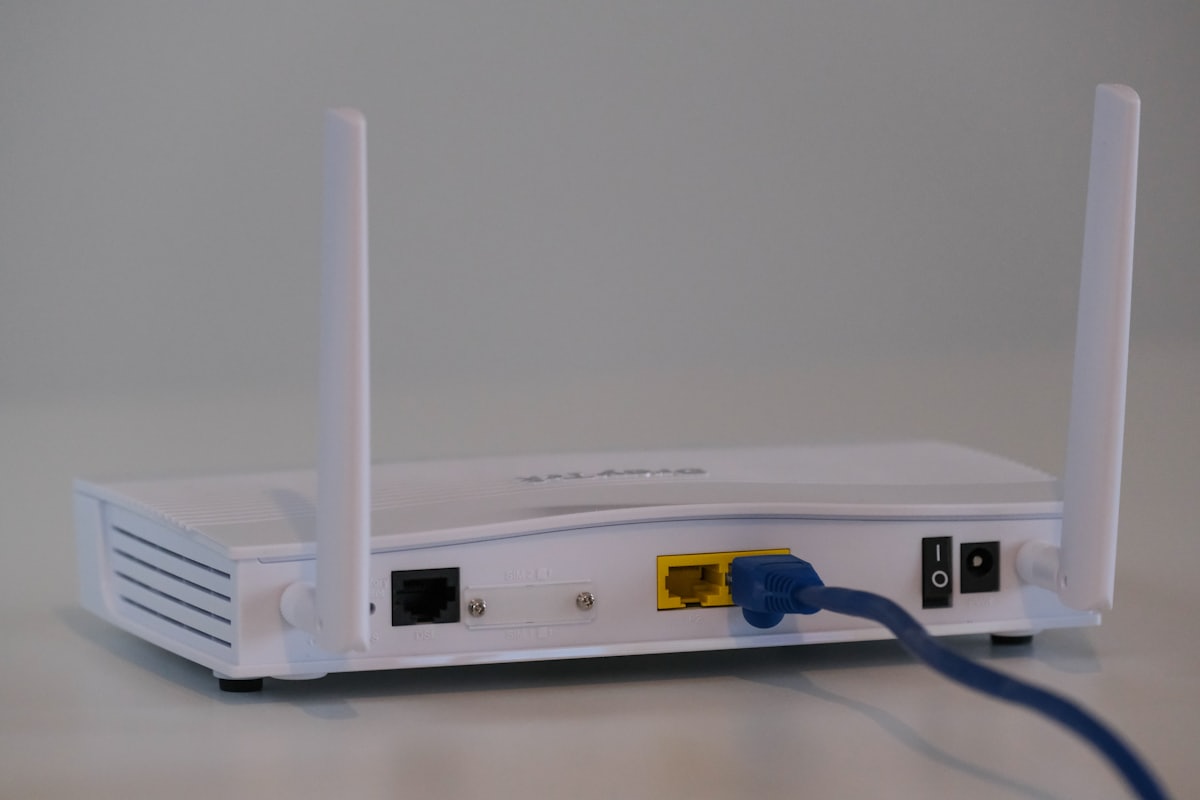
Keep in mind that your internet speeds may be affected by WiFi interference or other network problems. For the most accurate results, connect your computer directly to the router with an Ethernet cable and close other applications that may be using bandwidth. Speed tests measure throughput; also pay attention to the ping/latency result — anything under 20 ms is excellent for gaming and video calls; above 100 ms will feel sluggish.
Once you have determined your internet speed you might be left wondering how to make sense of it all. Check out the post MBps vs Mbps to help you understand the meaning behind the numbers.