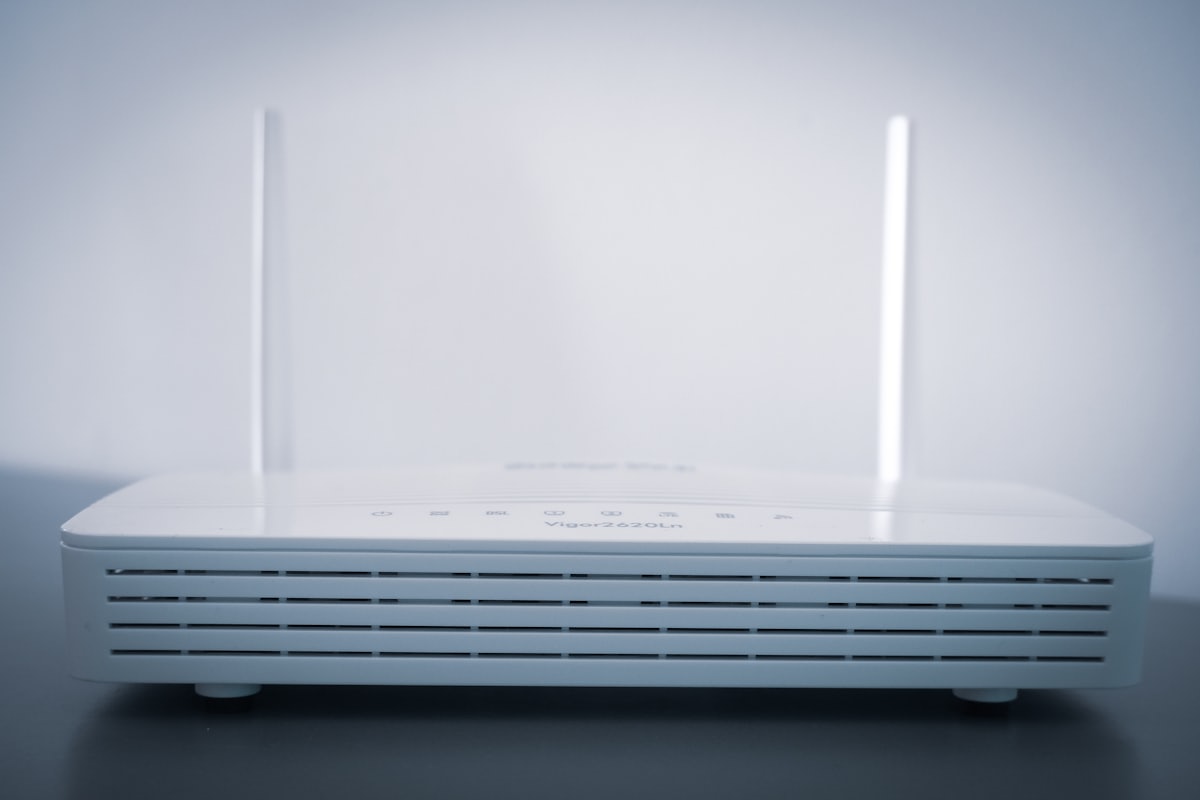
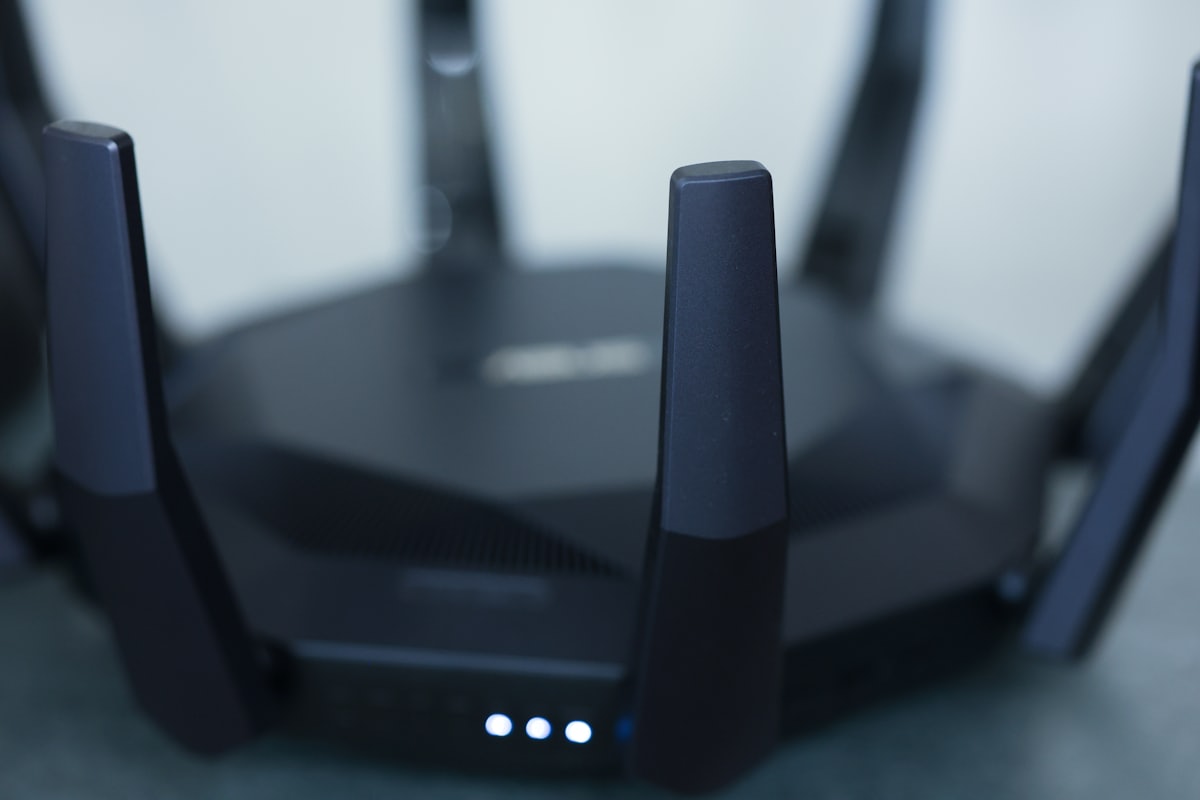
Setting up a network takes more than just plugging in your router and modem and choosing your preferred web browser. While a home network may be that simple, the more complex a network is, the more configuring you’ll have to do to ensure that all devices can log in and have a steady, reliable connection. Having improper settings can severely diminish the performance of your system. Fortunately, being familiar with a few common networking terms and knowing how to change these configurations can speed up your network and increase performance. One of the configurations you will want to check for your network is the multicast rate. Before tweaking this setting, it’s important to first understand exactly what it is and why it matters to your network.
What is multicast rate?
First, multicasting (also called IP multicast) is a way of sending a single stream of data to many recipients at once - one-to-many delivery - instead of sending a separate copy to each device. It saves bandwidth and is used by things like video streaming, IPTV, and some conferencing tools.
The “multicast rate” setting on a router is not about how big a message is. It sets the Wi-Fi data rate (in Mbps) used to transmit multicast and broadcast frames over the air. Because every device on the channel must be able to hear these frames, routers traditionally send them at a low, robust rate - which is reliable but uses a lot of airtime and can slow the whole network.
Optimizing your multicast rate
The trade-off is straightforward. A lower multicast rate is more robust and reaches distant or older devices, but it consumes airtime that could otherwise carry regular traffic. A higher multicast rate frees up that airtime and can improve overall efficiency, but the frames travel a shorter distance and may not reach every device.
You can change this in your router settings, reachable by typing your router’s IP address into a browser. For a small home network the default or “Auto” setting is usually fine. On a busier network with lots of streaming, raising the multicast rate can reduce airtime waste - just confirm all your devices still receive multicast reliably, and back the rate down if anything stops working.
Final thoughts
The multicast rate is just one router setting that can affect performance. For most homes the default is fine, but if you stream a lot to multiple devices, experimenting with it can free up wireless airtime. As always, every network is different, so some testing is the best way to find the right value.