When connecting to your broadband service, one of the most important cables that you can have is your Ethernet cable, which allows these high-speed transmissions to reach your computer. However, if you’ve ever shopped at an electronics store, you may have encountered some terms that aren’t very familiar, such as Cat5, Cat5e, and Cat6.
With so many different types, price points, and brands, knowing exactly what to purchase for your network connection first requires you to understand the differences between these cables – particularly, what are the transmission speeds of Cat5, Cat5e, and Cat6.
What Does Cat5, Cat5e, and Cat6 Mean?
Before you spend money on a cable that doesn’t perform as expected or fit the needs of your home or office, it’s important to understand what exactly these cables are used for and why you may need one.
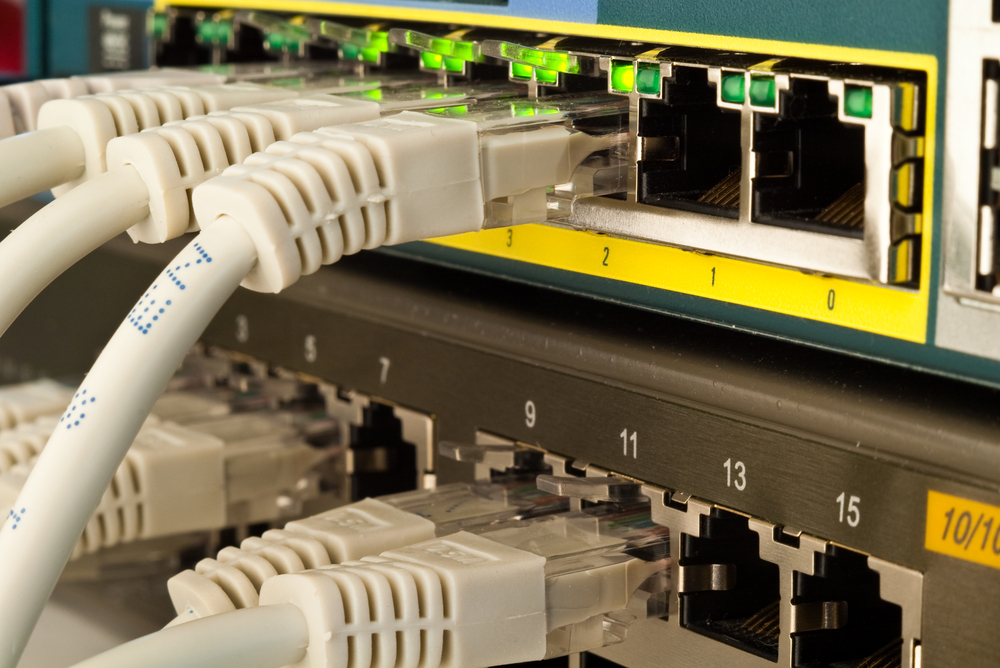
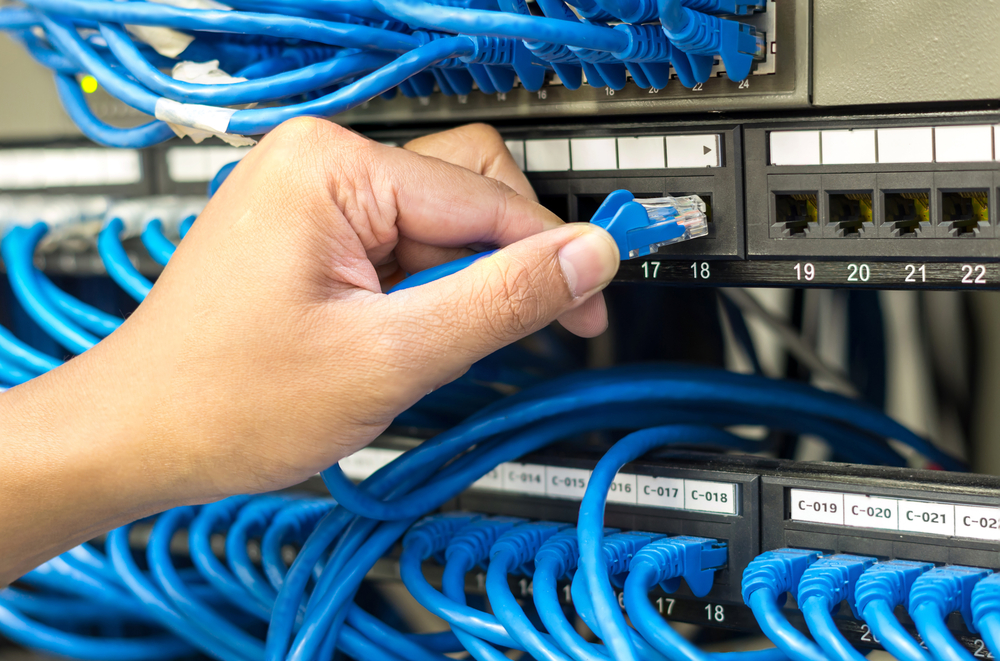
These types of cables are twisted pair cables that are used to carry signals. You may have also heard the term “Ethernet cable” used before, particularly if you’ve ever connected to a computer network. These Ethernet cables are used to transmit signals from the modem to your router (for wireless internet) or directly to your computer, if connected from the router to your laptop or desktop.
The term “Cat” when talking about these cables is a shortened version of “category.” So, for example, Cat5 cables are classified as Category 5 cables. These cables are designated into categories based upon specifications and applications, or simply, how they can be used.
What Are the Differences Between Each Category?
Cat5 is the oldest of the three types. It supports a maximum of 100 Mbps (Fast Ethernet, 100BASE-TX) and is not suitable for gigabit internet or modern business networks. Most new cable runs should use Cat5e or Cat6 instead.
Cat5e is a slightly more enhanced version of Cat5. Users of this cable will find that there is less interference at higher speeds. Because of its better performance, it is priced more expensively than Cat5.
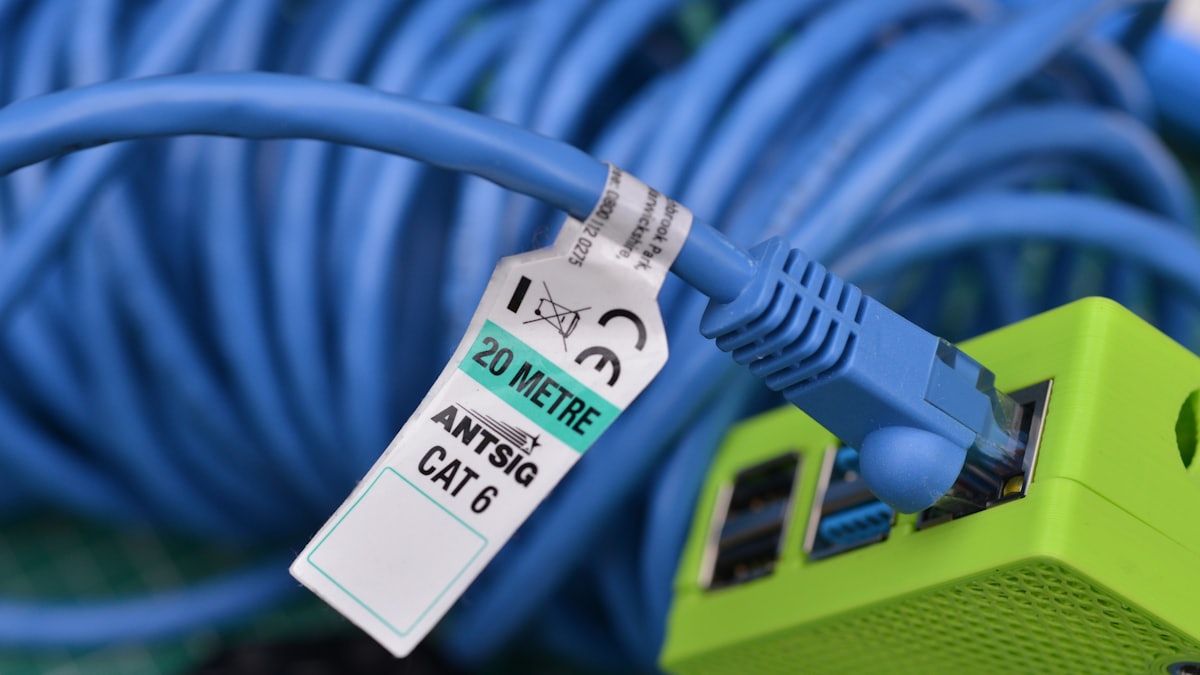
Cat6 supports gigabit speeds reliably, and can handle 10 Gbps over runs up to 55 metres. For 10 Gbps over longer distances (up to 100 metres), Cat6A is recommended. Cat6 is the practical choice for most new home and office installations.
What Are the Transmission Speeds of Each Category?
As previously mentioned, the biggest difference between each category is transmission speed. This is important because you don’t want to have interference while you’re working at your business, and you want to take full advantage of playing your gaming console at the highest speeds possible.
Cat5 has the slowest transmission speeds of the three. It supports up to 100 megabits per second. It operates at a frequency up to 100 Mhz. If you haven’t invested in gigabit internet and aren’t connected to a business network, this inexpensive cable may fit your needs. It has more potential to experience interference than Cat5e or Cat6, which can prove to be frustrating. It is, however, the least expensive option of the three.
Cat5e is an enhanced version of Cat5. It has transmission speeds up to 1000 megabits (or 1 gigabit) per second and operates at frequencies up to 100 Mhz. However, when compared to higher categories, there is more interference. It is adequate for most networks, but as broadband speeds increase in the future, it may prove to not perform as well as Cat6.
Cat6 operates at up to 250 MHz and supports 1 Gbps at full 100-metre runs and 10 Gbps at up to 55 metres. It reduces crosstalk more effectively than Cat5e. For 10 Gbps at full 100-metre runs, Cat6A (Augmented Category 6, 500 MHz) is the appropriate choice, though it is larger and more expensive.
Cat 6 offers the highest performance of the three, but it is not without its drawbacks. Because it is more tightly wound and has more insulation that the other two categories, it can be difficult to work with if it needs to be cut. Installation may be more difficult because of this, but those who want to experience less noise, fewer operating errors, and higher performance may find this trade-off is worth it.
Which Category Should You Choose?
If you have a router that supports gigabit ethernet, you’ll want to choose Cat6 or Cat5e cable because these are the two that will be able to transmit gigabit speeds. If you’re installing new cable and want to future proof, it is probably worth paying slightly more for Cat6.
It is also backward compatible, so this means that even if you don’t have the fastest service now, it will still operate at your current speeds until you decide to upgrade.
When selecting cable for a new installation, Cat5e is the minimum and Cat6 is recommended for most home and office runs. Both are widely available and similarly priced at most hardware stores.
Final Notes
When you connect to a network – whether it’s for work or play – you want to get the best performance. After all, you want to fully experience what you pay for each month. To do that, you need to make sure that you have the best cables that can handle the highest speeds.
Most routers today support gigabit ethernet, so even if your internet speed is much slower, you will see improved performance throughout your internal network if you use Cat5e or Cat6. Tasks like transferring files between computers or to network attached storage will take advantage of the faster transmission speeds.
If you want to get the most out of your network without interference, system errors, or other performance issues, and want to future-proof as much as possible, you’ll want to stick with Cat6. While the cost may be slightly higher, you’ll get the full support you need to experience the fastest speeds possible today and for the forseeable future.