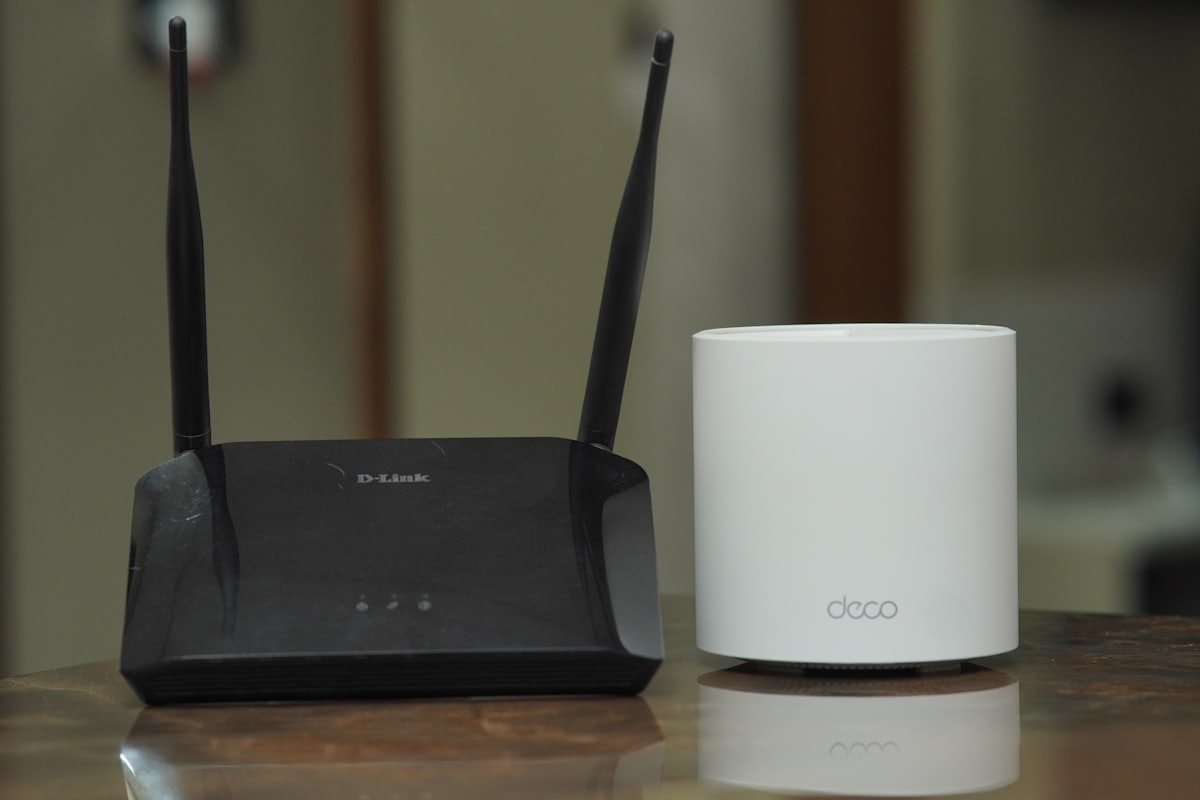
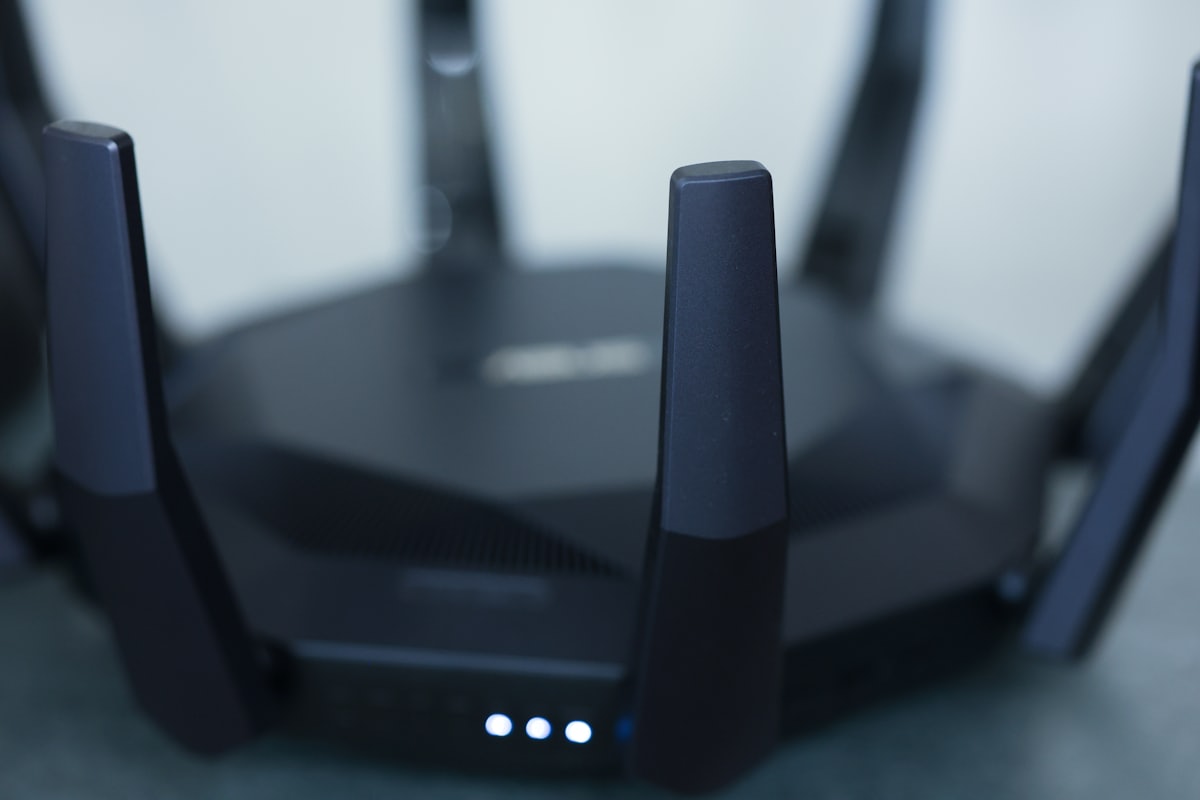
If a single router cannot cover your whole home, a mesh WiFi system is usually the best fix. Instead of one access point, a mesh uses several nodes that work together as a single network, handing your devices off seamlessly as you move around. This guide explains what to look for.
How mesh WiFi works
Each node relays traffic back to the main unit, blanketing your home in a single network name. For the full background, see what is a mesh WiFi network. The key advantage over a WiFi repeater is seamless roaming and a dedicated backhaul on better systems.
What to look for
- Coverage and node count - match the system to your square footage and layout.
- Backhaul - tri-band or wired backhaul keeps speeds high as you add nodes.
- WiFi standard - prefer WiFi 6 or later; see our WiFi 7 guide if future-proofing.
- Wired ports - useful for consoles, TVs, and desktops.
Do you need a mesh?
If you only have one or two dead zones, first try the fixes in our WiFi optimization guide - repositioning the router or changing channels is free. Choose a mesh when you have a large or multi-story home, thick walls, or many devices.
Setup tips
Place nodes about halfway between the main router and the dead zone, not in the dead zone itself. After setup, confirm each device connects to the nearest node and verify speeds with our guide on how to test your internet speed.