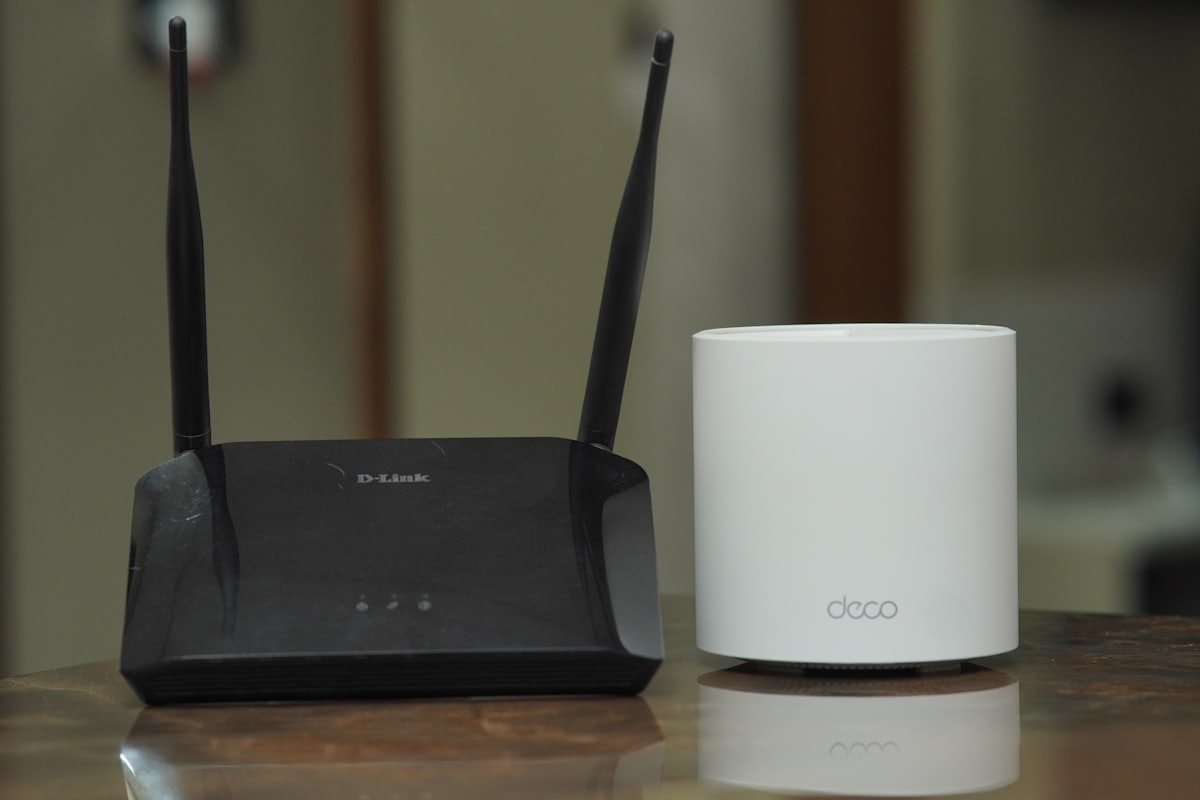
You may hear the word mesh being used when looking into various WiFi options. A mesh WiFi network is not simply a router plus a repeater — it is a system of multiple dedicated nodes (usually two to four) that work together as a single network, all sharing the same network name (SSID). Every node communicates with the others over a dedicated backhaul channel (a separate radio band or, on better systems, a wired Ethernet connection), so the backhaul traffic does not compete with your devices' traffic the way a plain repeater does.
How to set it up
To set up a mesh WiFi network, first connect the main node to your modem or internet connection, just as you would a regular router. Then place the satellite nodes around your home. The key placement rule: put each satellite node in an area with a good signal from the main node, not in the dead zone itself. The node bridges the gap — it cannot amplify a signal it cannot receive. You may want to place nodes closer to areas where you frequently use wireless devices for the best performance.
Mesh vs a simple repeater
A WiFi repeater receives and re-broadcasts the same signal, which halves throughput on a single-radio device. A mesh system's dedicated backhaul avoids that penalty, giving each node its own link back to the router. The result is more consistent speeds as you move through your home and seamless handoff between nodes without manually switching networks.